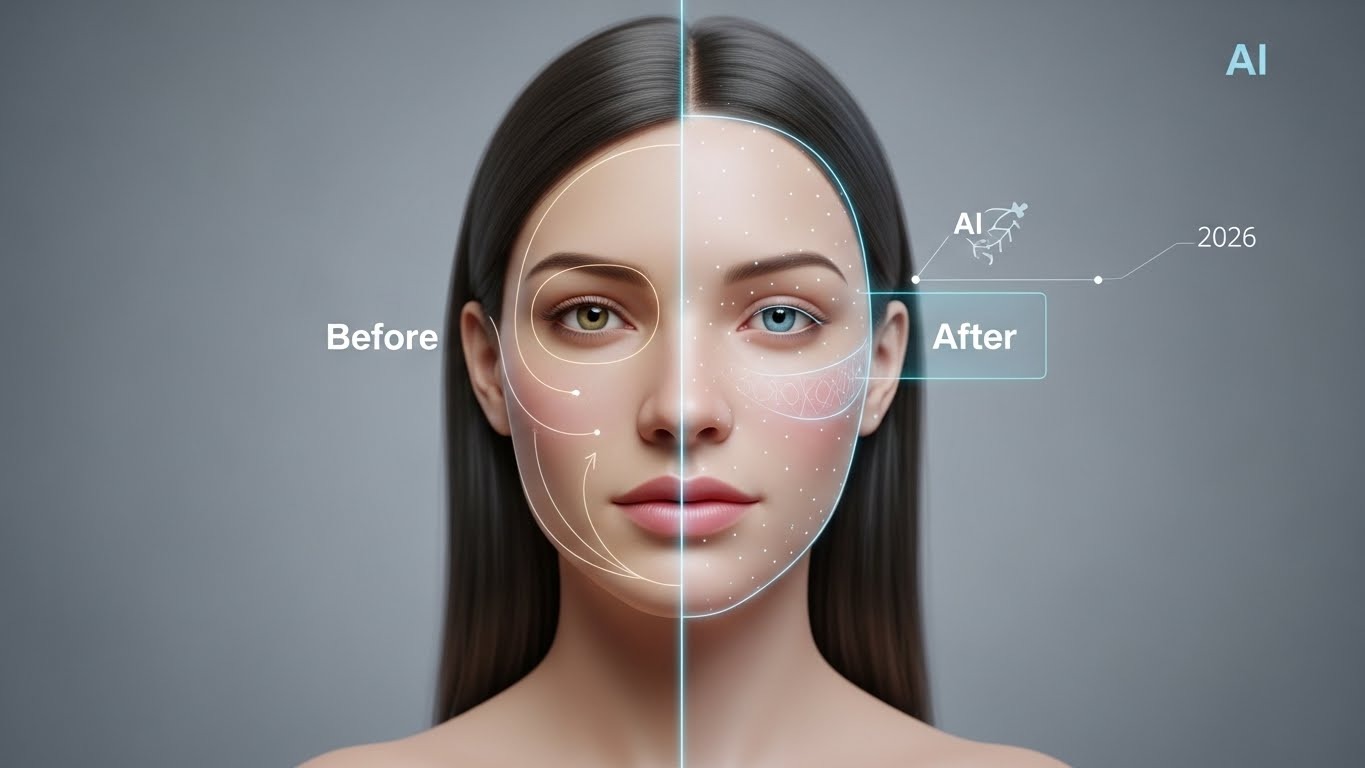
As of 2026, AI-powered face swap technology has become a practical production tool for creators, marketers, and digital teams. What once felt experimental is now widely used for video creation, advertising, education, and content personalization. Over the past several weeks, I tested a range of leading platforms to evaluate how well they perform in real-world scenarios — not just quick demos, but full photo and video workflows where consistency and realism matter.
In this guide, I’ve ranked the best AI face swap tools of 2026 based on output quality, video stability, ease of use, and overall value. Each platform was tested using the same criteria to ensure fair comparisons and actionable recommendations.
Best AI Face Swap Tools of 2026 — At a Glance
| Tool | Primary Use Case | Modalities Supported | Platforms | Free Plan Available |
| Magic Hour | Professional photo & video face swapping | Image, Video | Web | Yes |
| Reface | Casual and social media content | Image, Short Video | iOS, Android | Yes |
| DeepSwap | High-volume and batch processing | Image, Video | Web | Limited |
| FaceMagic | Quick mobile-first face swaps | Image, Short Video | iOS, Android | Yes |
| Runway | Advanced AI video creation workflows | Video (limited face swap) | Web | Yes |
Why AI Face Swap Tools Matter in 2026
Face swap technology has evolved far beyond basic filters. Modern AI models can accurately map facial structure, lighting, and expressions across entire video sequences. For creators, this means faster production cycles, less manual editing, and greater creative freedom.
AI face swap tools are now commonly used for:
- Personalized video content
- Marketing and advertising creatives
- Educational and training videos
- Pre-visualization for film and media
- Social and creator-led storytelling
The real difference comes down to reliability — tools that work consistently across different inputs and don’t break down once motion or lighting changes are introduced.
Top AI Face Swap Tools of 2026
1. Magic Hour — Best Overall AI Face Swap Tool
Magic Hour delivered the most consistent and realistic results during testing. Its face swap system performed reliably across both photos and videos, maintaining alignment and natural expressions even during movement-heavy scenes.
For creators evaluating the best AI face swap tool, Magic Hour sets the current benchmark.
Pros
- Strong face alignment across full video clips
- Natural blending of lighting and skin tone
- Clean, intuitive interface
- Reliable performance on longer sequences
- Output quality suitable for commercial use
Cons
- Web-based only
- Best results require reasonably clear source footage
Evaluation
Magic Hour was the only platform that consistently held up across multiple video tests without noticeable drifting or distortion. This level of stability is critical for professional or public-facing content. For creators looking for a dependable, production-ready solution rather than a novelty tool, Magic Hour is hard to beat.
Pricing
Free plan available.
Creator plan: $15/month (monthly) or $12/month (annual).
Pro plan: $49/month.
2. Reface — Best for Casual and Social Content
Reface remains popular for quick, mobile-first face swaps, particularly for short social media clips.
Pros
- Very easy to use
- Fast processing times
- Large template library
Cons
- Limited customization
- Primarily image-focused
- Not suitable for professional video workflows
Evaluation
Reface works well for casual or entertainment-driven content, but it lacks the control and consistency required for more serious projects.
3. DeepSwap — Best for High-Volume Processing
DeepSwap focuses on efficiency and batch processing rather than fine detail.
Pros
- Supports both photo and video swaps
- Batch processing capabilities
- Straightforward browser-based workflow
Cons
- Results can look artificial
- Less accurate facial tracking
- Limited creative flexibility
Evaluation
DeepSwap is useful when speed and volume are priorities, but it doesn’t match the realism or polish of higher-end tools.
4. FaceMagic — Mobile-First Face Swapping
FaceMagic is designed primarily for mobile users who want quick results.
Pros
- Mobile-friendly interface
- One-tap templates
- Fast turnaround
Cons
- Lower output resolution
- Minimal customization
- Limited video support
Evaluation
FaceMagic is suitable for fast, casual face swaps but isn’t designed for professional or long-form video content.
5. Runway — Advanced Video Creation with Limited Face Swap
While Runway isn’t a dedicated face swap platform, it’s often considered by creators working with AI video tools.
Pros
- Powerful generative video capabilities
- Frequent model updates
- Collaboration features for teams
Cons
- Face swap functionality is limited
- Steeper learning curve
- Longer render times
Evaluation
Runway excels at broader AI video workflows, but it doesn’t replace a specialized face swap solution.
Beyond Face Swap: Integrated AI Video Workflows
In real production environments, face swapping is usually one step in a larger content pipeline. Many creators pair face swap tools with script-driven video generation to streamline production. Combining face swapping with an AI text to video generator allows teams to move from written content to finished video more efficiently, without switching between multiple platforms.
This kind of integrated workflow reduces friction and helps maintain consistent quality across projects.
How I Tested These Tools
Each platform was evaluated using the same testing methodology:
- Face swap accuracy across different subjects
- Performance on both photos and videos
- Stability during motion and lighting changes
- Processing speed and reliability
- Ease of use for non-technical creators
- Pricing clarity and overall value
Both short clips and longer sequences were tested to see how well results held up beyond ideal demo conditions.
Trends in AI Face Swap Technology (2026)
Several trends are shaping the market this year:
- Video-first face swap models are now the standard
- Integrated AI creation suites are replacing standalone tools
- Prompt-free or low-prompt editing is becoming common
- Ethical use and consent safeguards are gaining importance
- Faster rendering is enabling more iterative workflows
These trends favor platforms that balance quality, usability, and responsible deployment.
Final Takeaway
For 2026, Magic Hour stands out as the most complete and reliable AI face swap tool tested. It delivers consistent results across photos and videos while fitting smoothly into real-world creator workflows. Other platforms may suit specific use cases, but for dependable performance and professional-quality output, Magic Hour remains the strongest overall choice.
Testing a few tools yourself is still the best approach. Differences in realism and stability become clear quickly once you move beyond short demo clips.
FAQs
Can AI face swap tools be used for professional projects?
Yes, as long as you have permission to use the source faces and the platform delivers stable video output.
Do these tools work with low-resolution footage?
They can, but higher-quality, well-lit inputs usually produce better results.
How long does face swap processing take?
Short videos often render within minutes. Longer or higher-resolution clips take more time.
Are there ethical restrictions on face swapping?
Most reputable platforms require users to upload faces they own or have permission to use, and they enforce safeguards against misuse.
Keep an eye for more latest news & updates on Magazine!

)